
Usage & credits
Track your monthly allowances — envelopes now, AI photo credits soon.
Open in Stageory- 1
Open Billing & Subscription
From the account menu.
- Click your avatar in the top-right and choose Billing & Subscription (or Usage & Credits).
app.stageory.com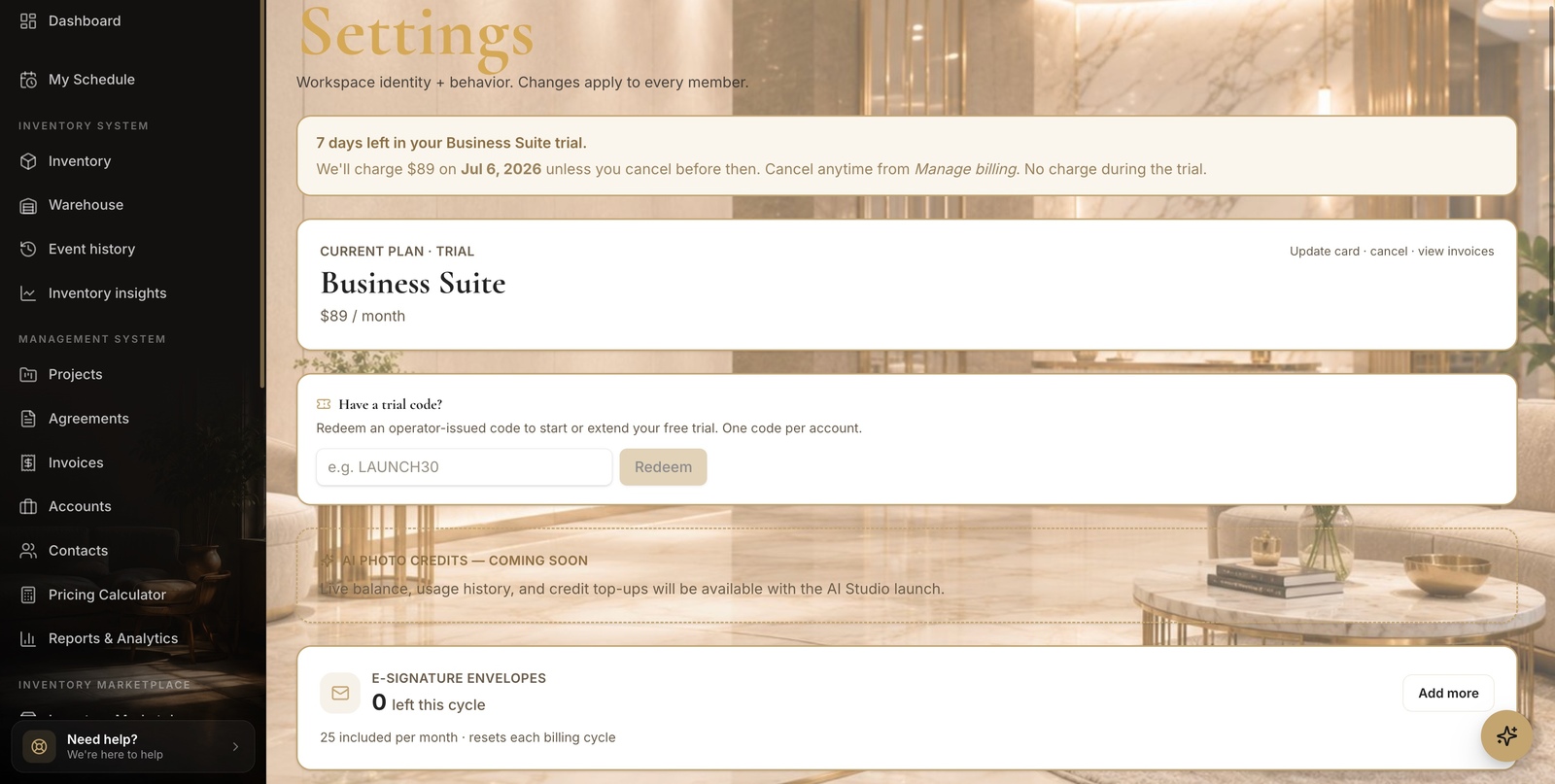
- 2
Check your balances
Envelopes & credits.
- The e-Signature envelopes card shows how many are left this cycle, and resets each billing period.
- AI Photo Credits — live balance, usage history, and top-ups — arrive with the AI Studio launch.
Tips
- Allowances reset at the start of each billing period.
Still need help?
Can't find what you're looking for? Our team is here.