
- 1
Open your profile
From the account menu.
- Click your avatar in the top-right and choose Profile settings.
app.stageory.com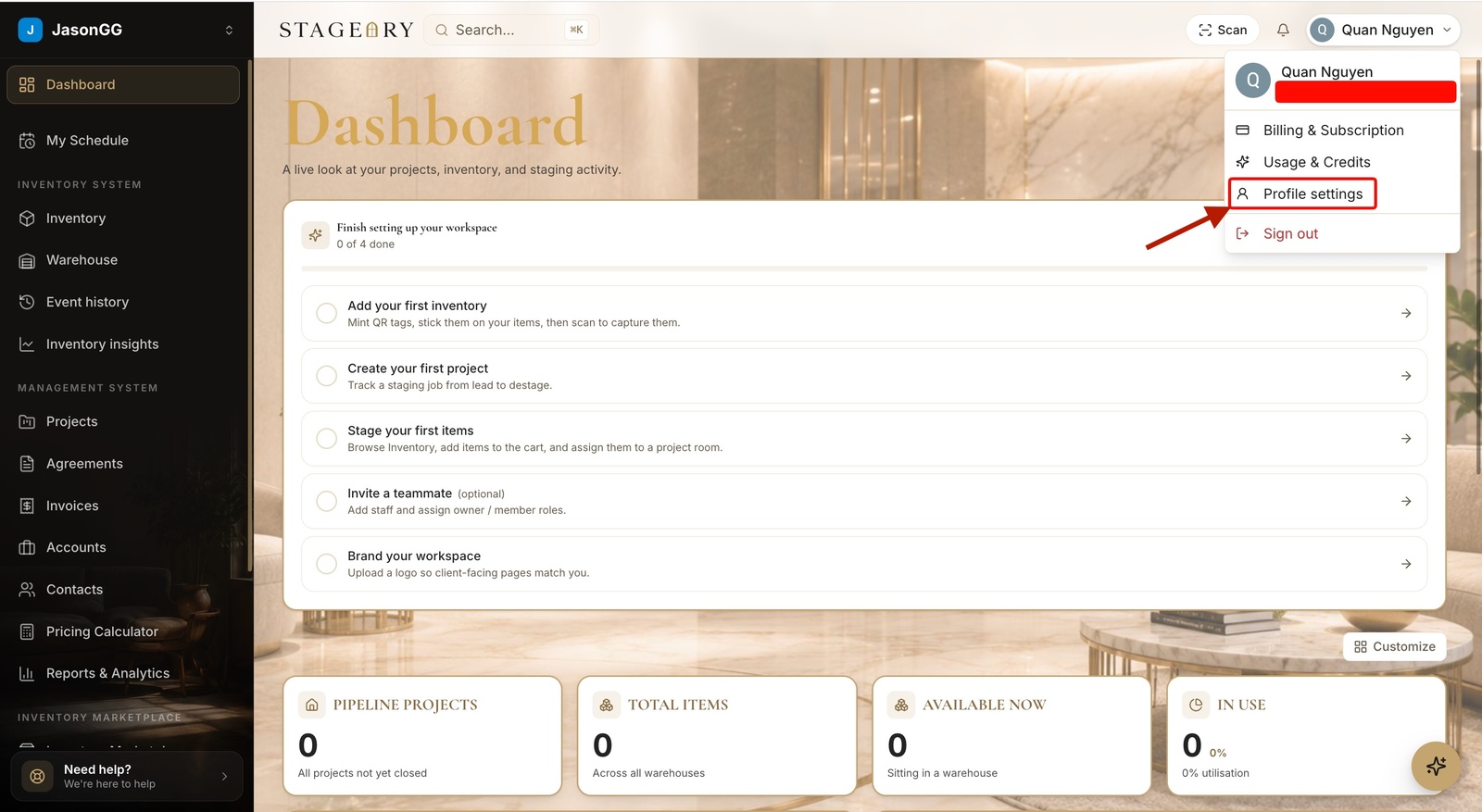
- 2
Set a new password
Confirm and save.
- Under Set a password, enter a new password (8+ characters) and confirm it, then Set password.
- Forgot the current one? Use Reset via email for a secure link, or Send me a magic link to sign in without a password.
app.stageory.com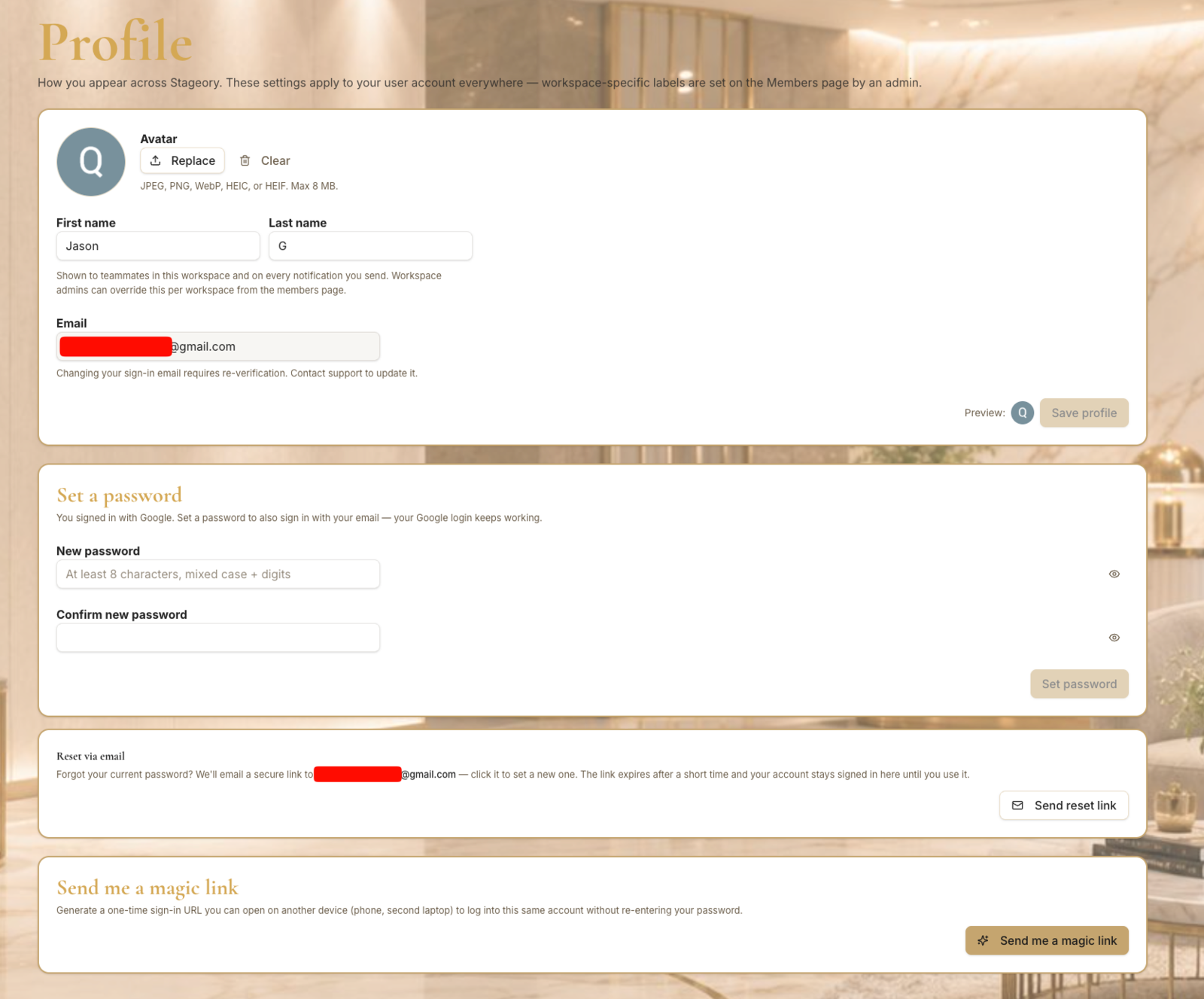
Tips
- A magic link signs you in from your email without typing a password.
Still need help?
Can't find what you're looking for? Our team is here.