
- 1
Open Manage billing
Scroll to history.
- From Billing & Subscription, open Manage billing and scroll to Billing history.
app.stageory.com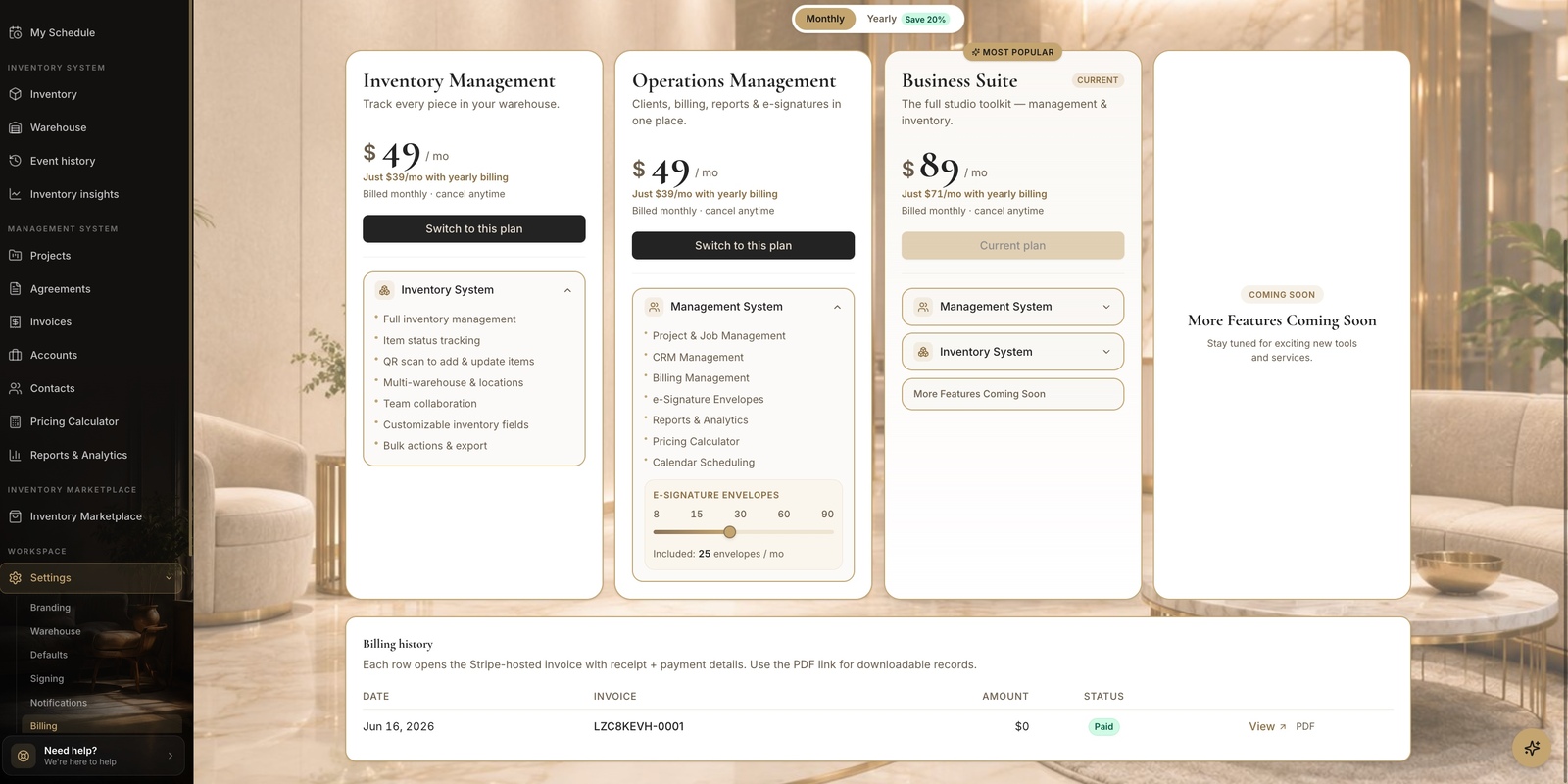
- 2
Open a receipt
View or download.
- Each row shows the date, invoice, amount, and status. Click View to open the Stripe-hosted invoice with receipt + payment details, or PDF for a downloadable copy.
Tips
- Invoice history is owner-only.
Still need help?
Can't find what you're looking for? Our team is here.