
- 1
Open a member
From Members.
- In Members, click the member you want to update to open their details.
app.stageory.com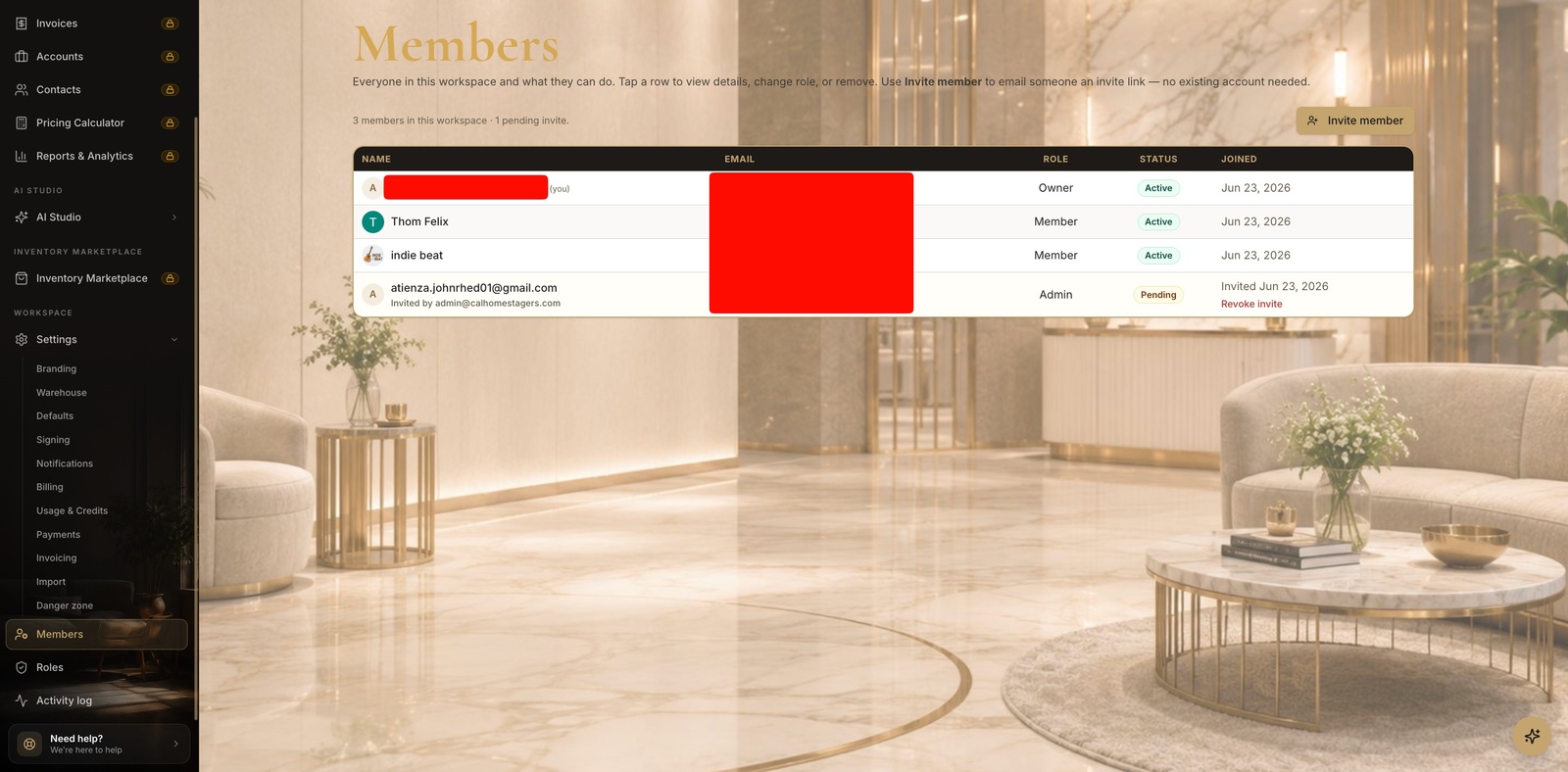
- 2
Set their role
Built-in or custom.
- In the member drawer, change the Role dropdown — pick a built-in role or a custom one you've created.
- Save changes — their permissions update immediately.
app.stageory.com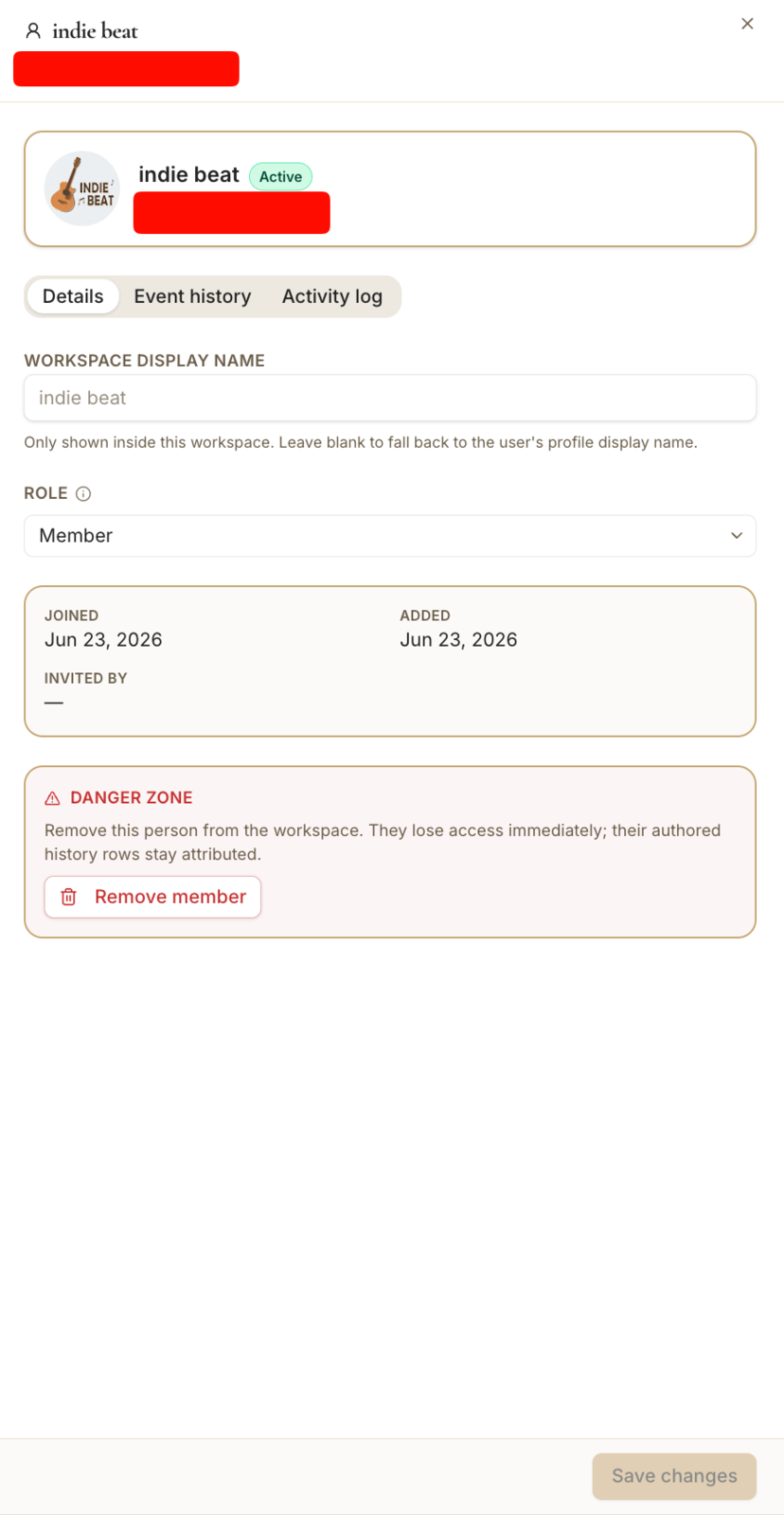
Tips
- Only the owner can grant owner-level access.
- Need finer control? Build a custom role.
Still need help?
Can't find what you're looking for? Our team is here.