
Payouts
See how client payments reach your bank — Stripe pays the proceeds out after Stageory's small per-payment platform fee.
Open in Stageory- 1
Open Payments
Settings → Payments.
- Open Settings, then Payments.
app.stageory.com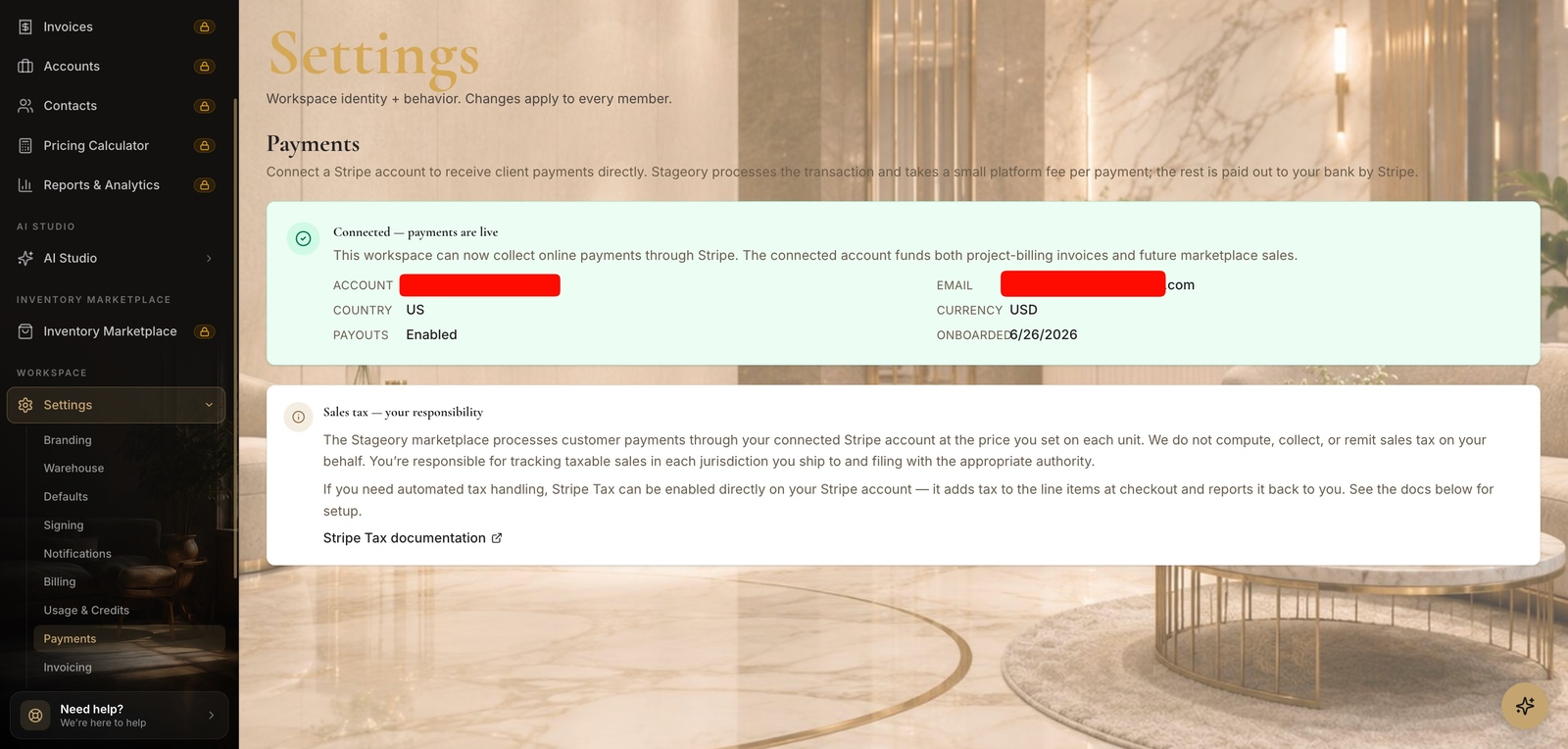
- 2
Check payout status
Connected & enabled.
- Once your Stripe account is connected, the card shows Payouts: Enabled with the account, country, currency, and onboarded date.
- Stripe pays the proceeds out to your bank on its own schedule; Stageory takes a small platform fee per payment and the rest is yours.
Tips
- Payout timing and bank details are managed on Stripe's side; connect or update the account from this page.
Still need help?
Can't find what you're looking for? Our team is here.