
Convenience fee & rounding
Add a client surcharge and round invoice totals — set once in Invoicing settings, applied to every invoice.
Open in Stageory- 1
Open Invoicing settings
Settings → Invoicing.
- Open Settings, then Invoicing to tune how invoices are priced and presented.
app.stageory.com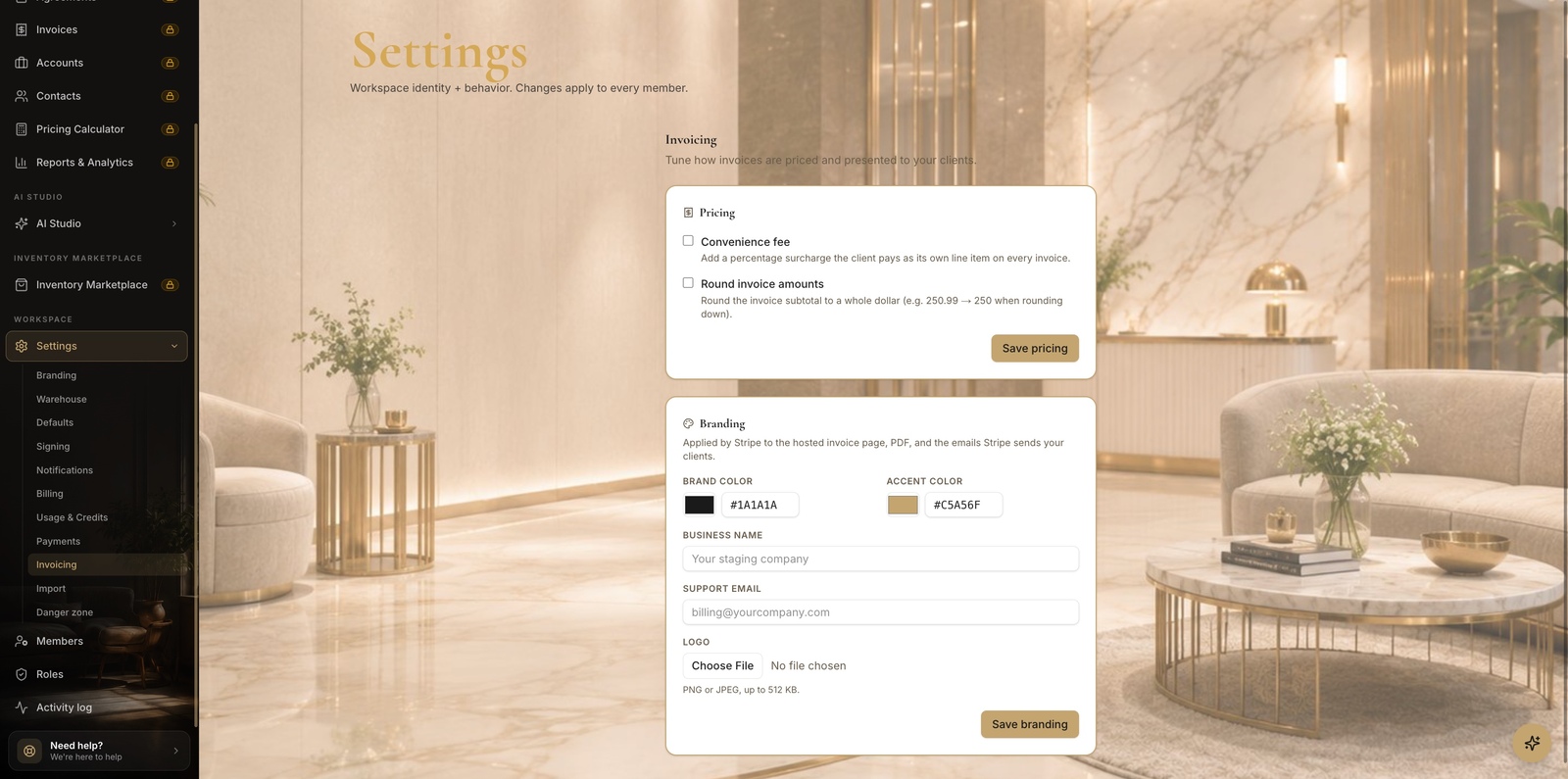
- 2
Set fee + rounding
Then save.
- In the Pricing card, turn on Convenience fee — a percentage surcharge the client pays as its own line item on every invoice.
- Optionally turn on Round invoice amounts to round the subtotal to a whole dollar (e.g. 250.99 → 250).
- Click Save pricing — it's a setting, not a send; the rules apply to invoices you create next.
Tips
- The convenience fee is a separate line item the client pays; it goes to you, not Stageory.
Still need help?
Can't find what you're looking for? Our team is here.