
Account types & status
Categorize each account by type, and see its contacts and projects — with their status — all in one place.
Open in Stageory- 1
Open an account
From Accounts.
- In Accounts, click an account to open it (or Add account to create one).
app.stageory.com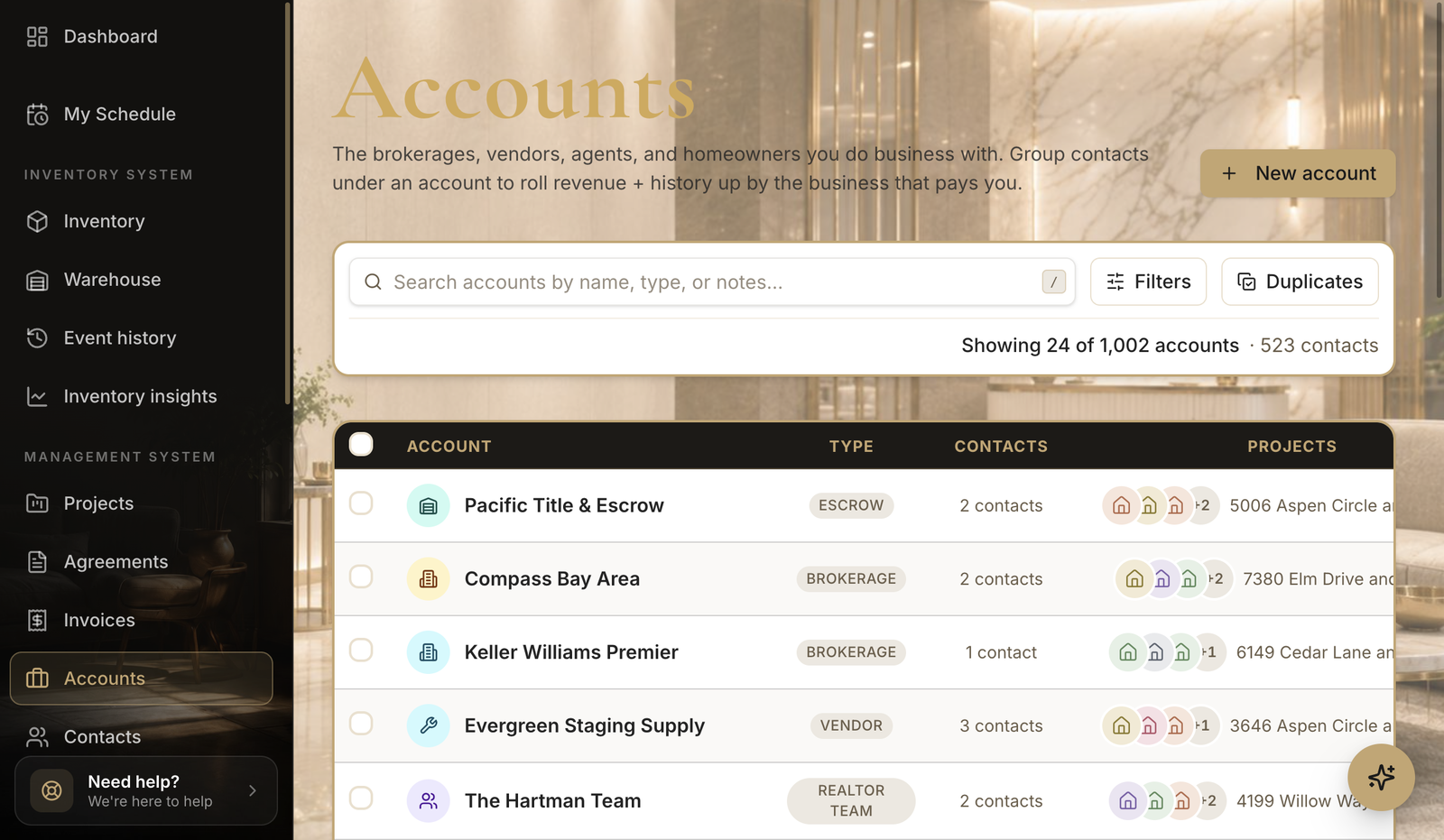
- 2
Set the account type
Edit & save.
- In Edit account, pick the Account type — Brokerage, Escrow, Realtor Team, Vendor, Investor, Property Management, Builder, or Other.
- The drawer also shows the account's linked contacts and its projects with each project's status, so it's the hub for everything tied to this client.
- Click Save changes.
app.stageory.com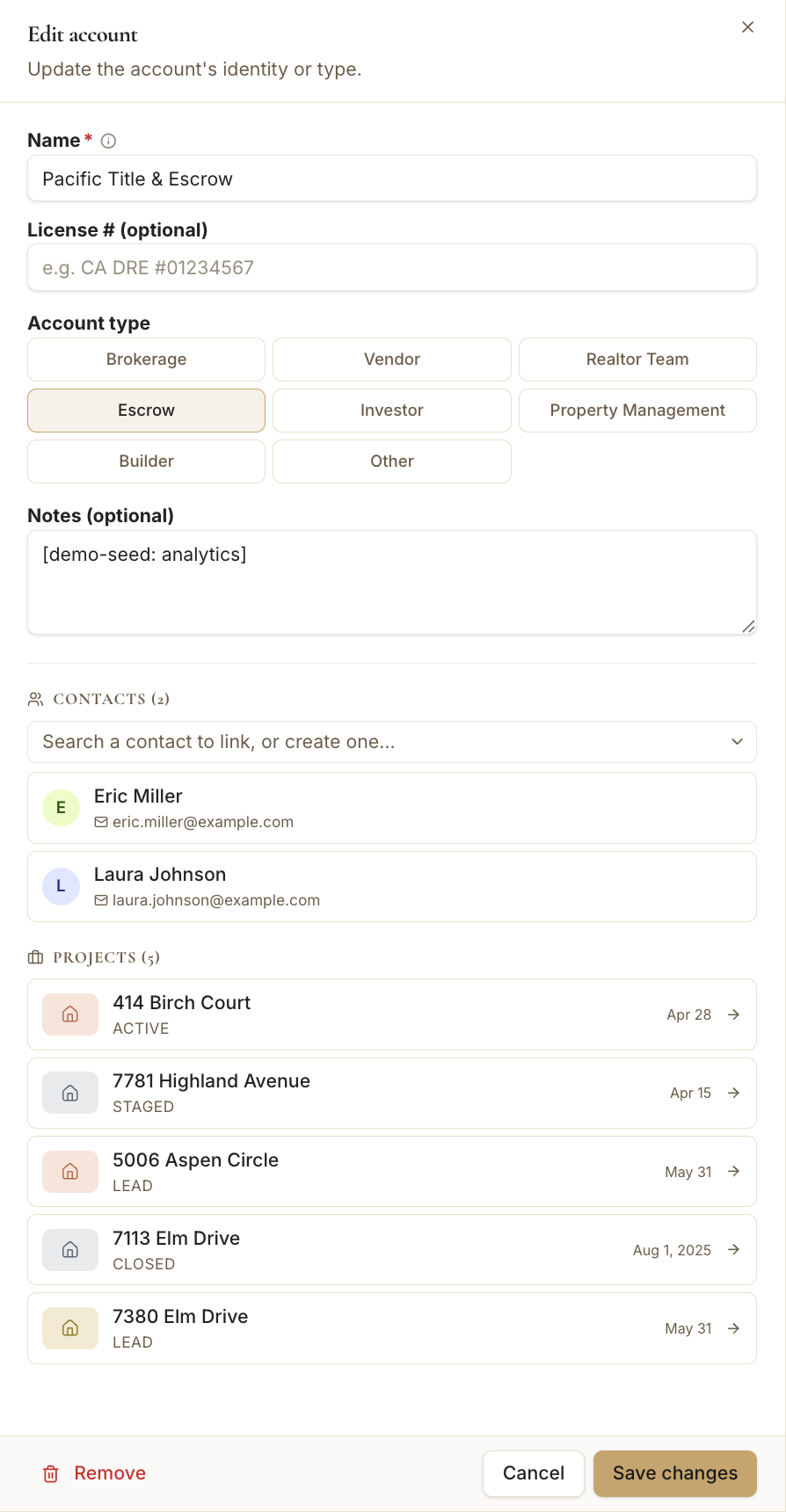
Tips
- Filter the account list by type to focus your outreach.
Still need help?
Can't find what you're looking for? Our team is here.