
Notifications & alerts
See everything that happens in your workspace, and choose exactly which alerts you get.
Open in Stageory- 1
Open your notifications
The bell.
- Click the bell in the top bar to open Notifications — everything that happened in the workspace that's relevant to you.
- Filter by All or Unread, click an item to jump to its source, or Mark all read.
app.stageory.com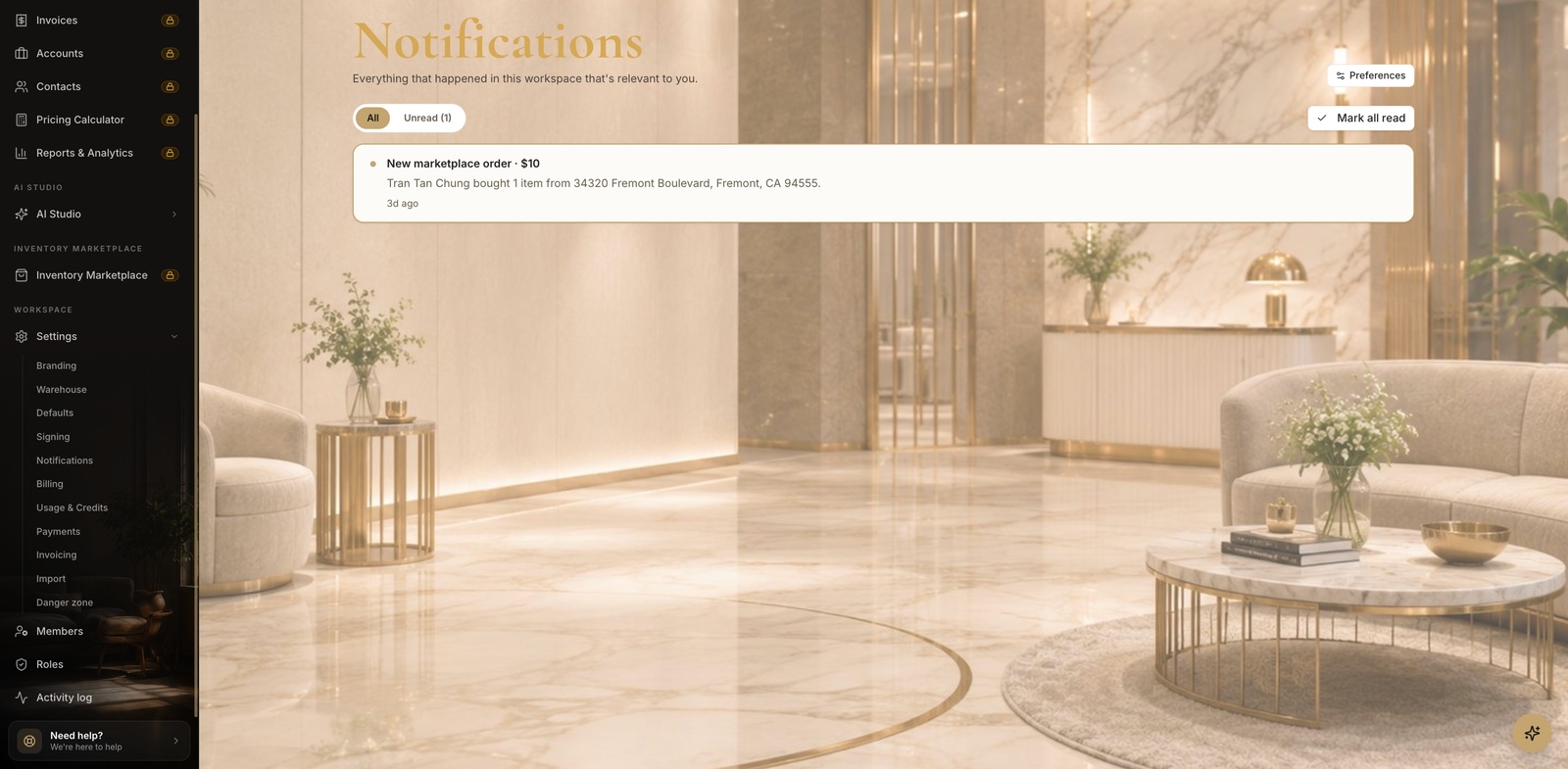
- 2
Tune your preferences
Per event + channel.
- Click Preferences to choose how you're notified for each event — toggle In-app, Email, and Push per event type (project created, agreement signed, marketplace order, and more).
- Save your changes.
app.stageory.com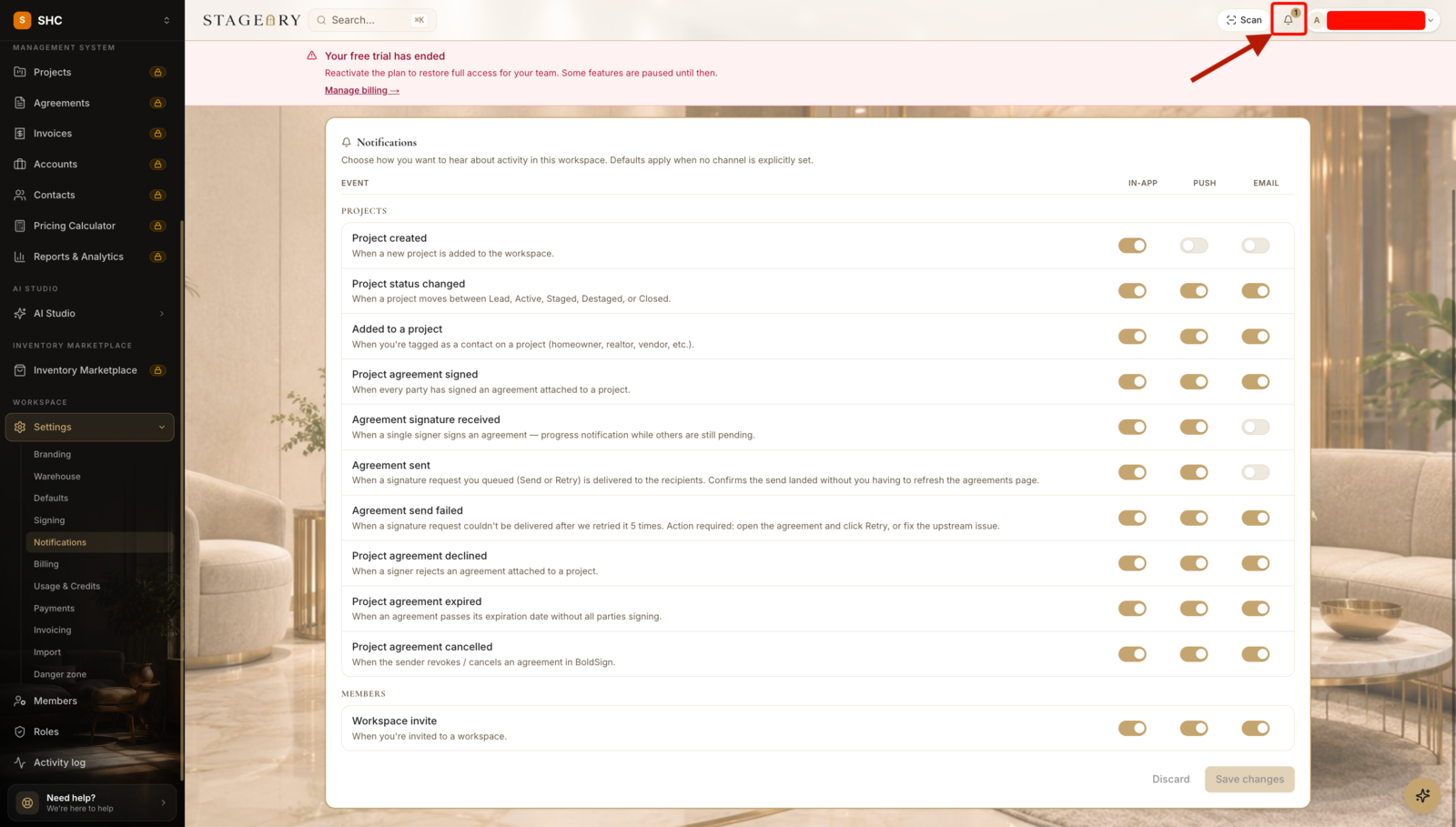
Tips
- Preferences are per person — each teammate sets their own; follow-up automation also runs off these events.
Still need help?
Can't find what you're looking for? Our team is here.