

AI staging, with your actual furniture
It stages the roomwith the furnitureyou own.
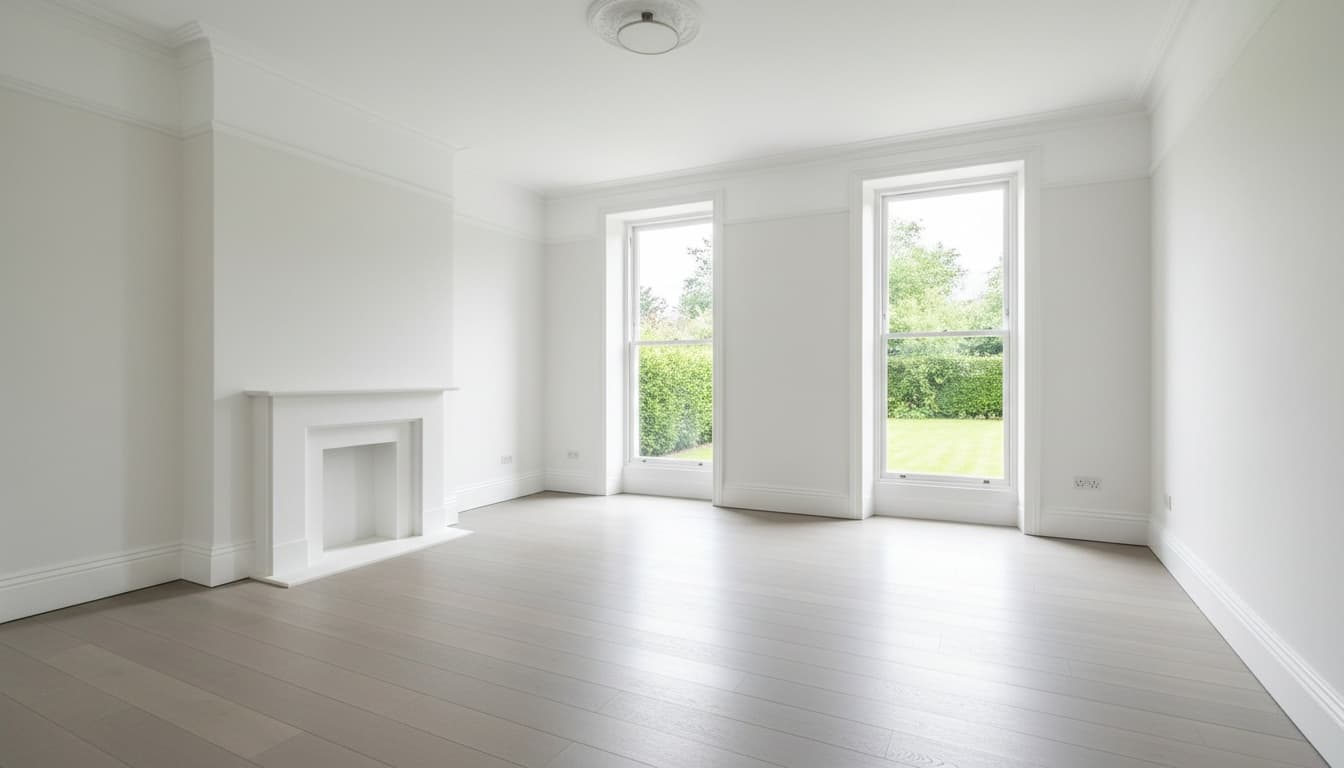
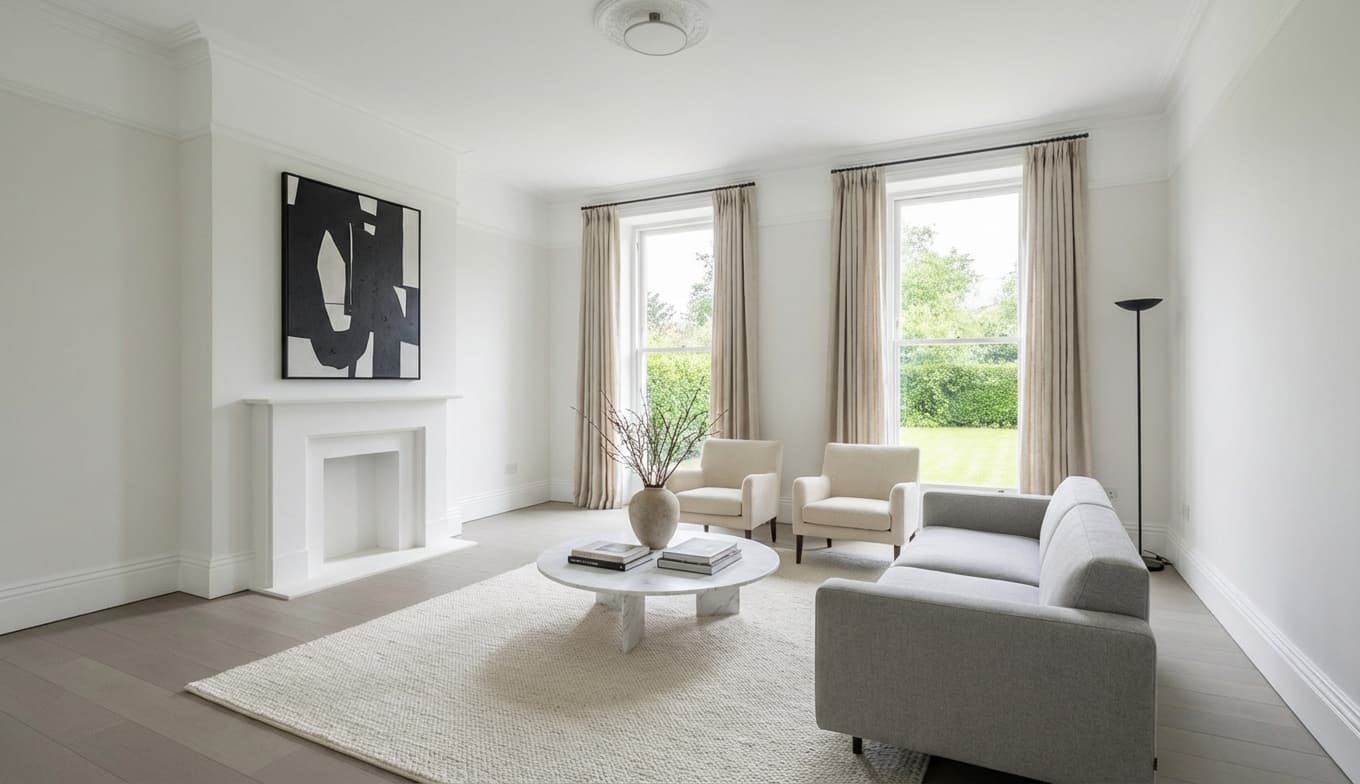
Upload a photo of an empty room. Stageory reads the architecture, composes the exact pieces from your catalog into it, and checks its own work — so what the client approves is what leaves your warehouse.
The kind of pieces a render is given
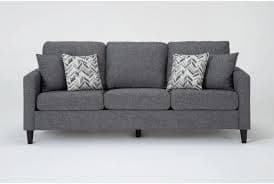 Sofa
Sofa Accent chair
 Coffee table
 Floor lamp
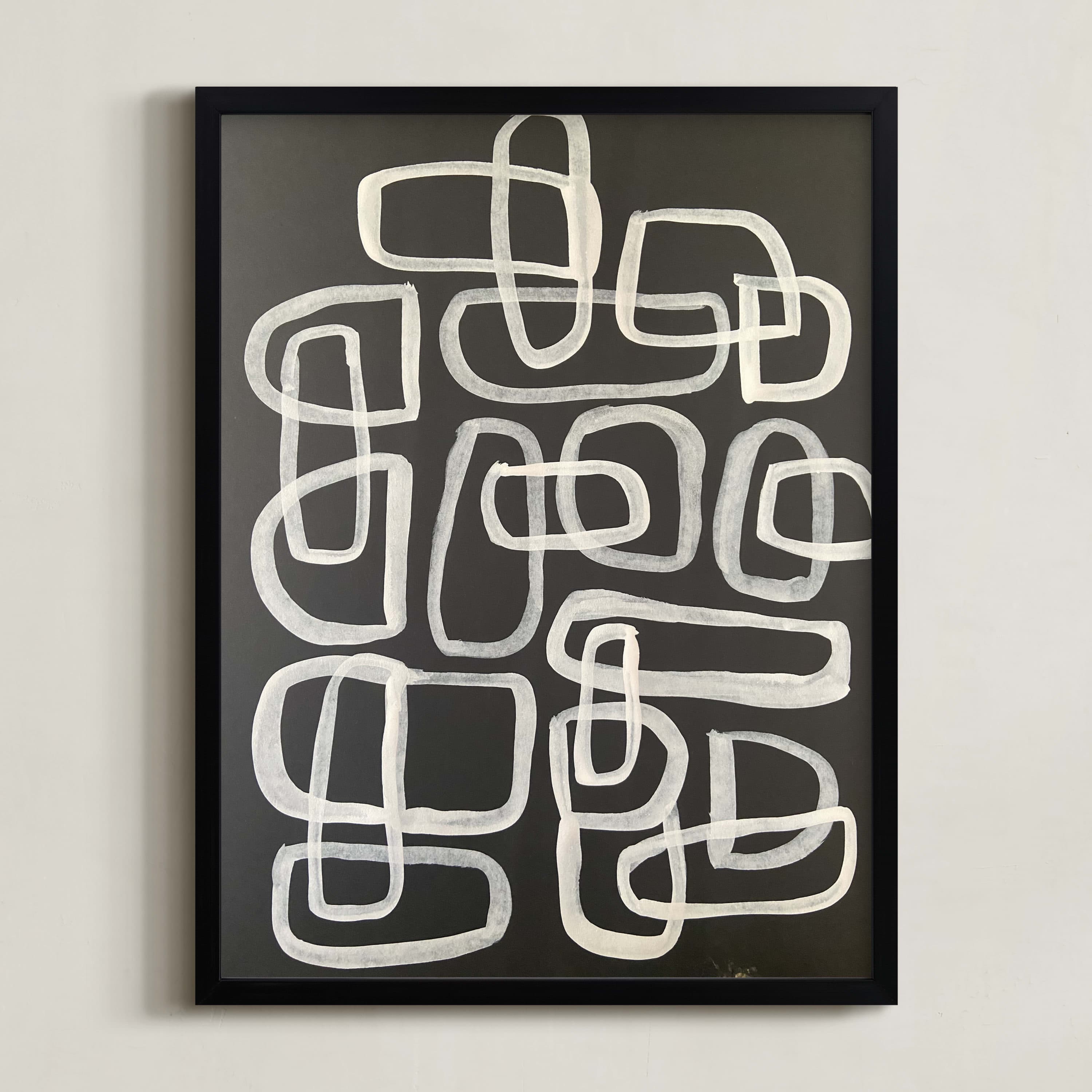 Wall art
One photo in
Drag it across and see what changed.
Same walls, same windows, same floor, same camera. Stageory works on top of the photograph you took rather than redrawing the room from scratch — which is why the result still looks like the house you are selling.
- Composed from your catalogThe photographs of your own pieces go in with the room, one item per panel, so the render shows stock you can actually deliver.
- Placed around the real roomStageory works out which wall carries the window and which one is clear before anything is placed.
- Checked before you see itA second pass compares the render against the list it was given. A corrective re-render costs you nothing.
The system
AI
Studio
Every render starts from your photograph and your stock. Stageory works out where the windows and the clear walls are, composes the pieces you selected, then compares the result against the list it was given before you ever see it.
- Composes the exact catalog pieces you picked — or picks them for you
- Reads the room's windows, doors and clear walls before placing anything
- Checks the finished render against your list, and corrects it for free

Object-level editing
Eight pieces right, one wrong. Move that one.
Everywhere else, a render you almost like means generating another one and hoping. Stageory lets you keep the eight that worked and fix the one that didn't.
Open the render in 3D
Stageory rebuilds the staged photo into individual objects, sitting where the photograph put them. It takes a couple of minutes and costs nothing.
Move the one that's wrong
Drag a piece across the room, turn it, resize it, or delete it — with undo, and your layout saved as you work.
Render it back to a photo
The new arrangement is re-rendered with your pieces' real materials inside your real room. That render spends one credit.
Reconstruction is a real solve, not a filter — it runs for a couple of minutes, and very small or heavily hidden pieces may not come back as editable objects.
All in one place
Everything the studio does with AI
The process
Photo in. Proposal out.
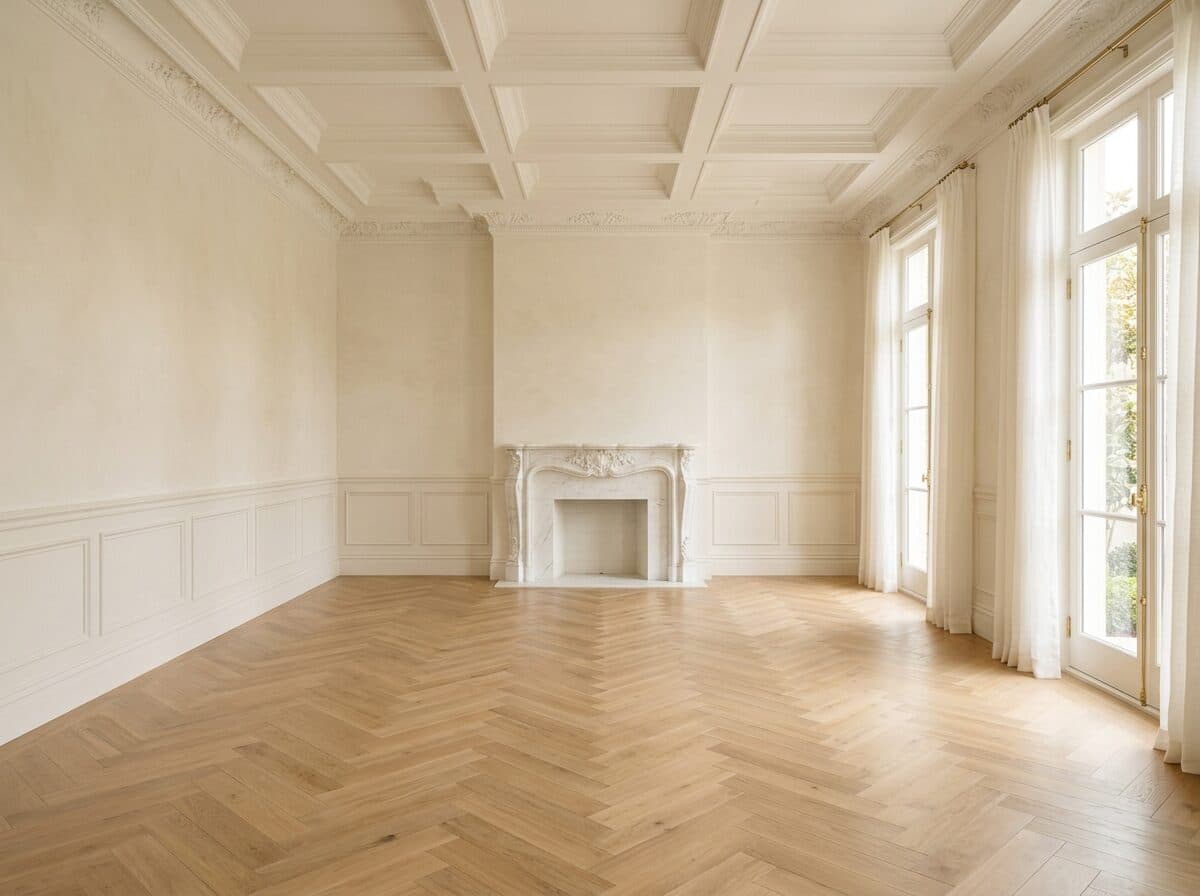
Upload the empty room
Start from a photograph of the actual room. Stageory reads its walls, windows and fixed features before placing anything.

Choose the pieces
Add pieces from your catalog to the cart, or let Stageory propose a set for the room type and style.
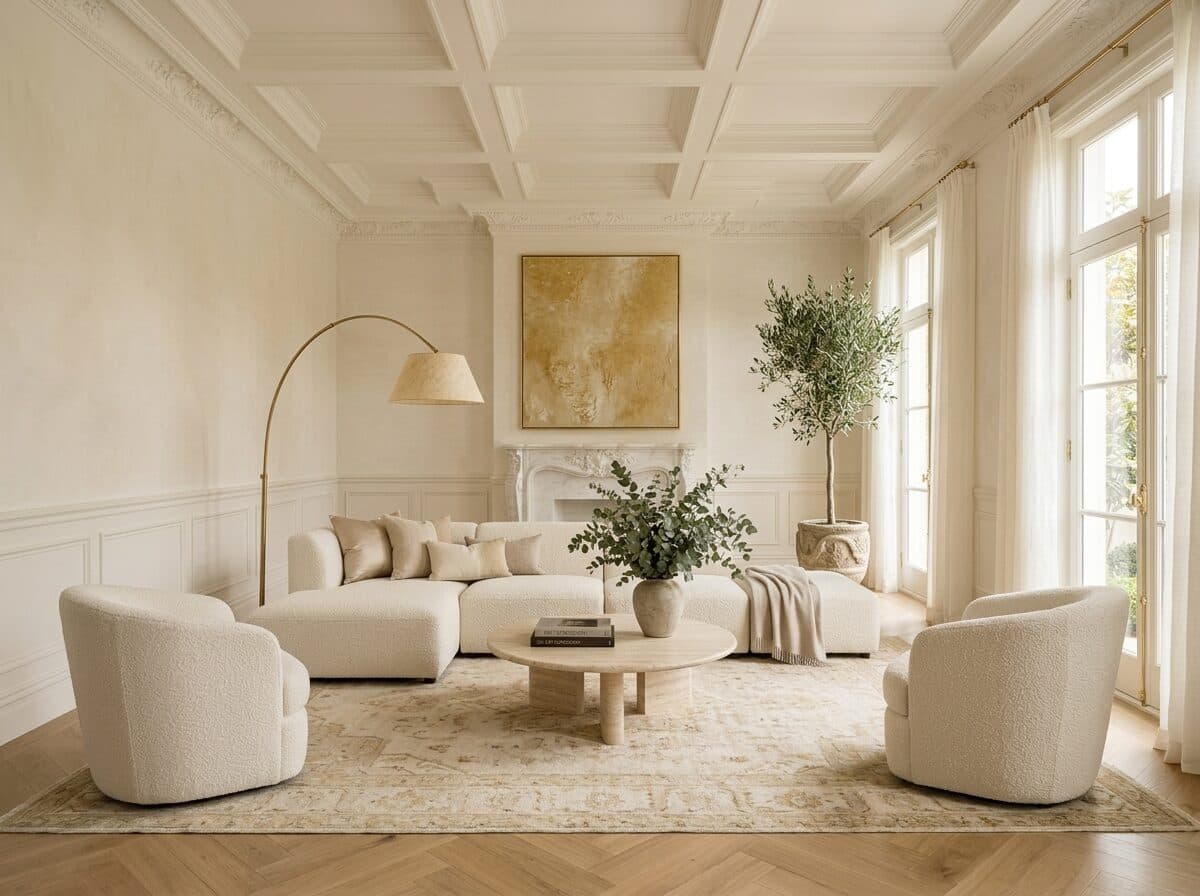
Review and refine
Compare against the original, download it, or open the render in 3D and move the one piece that landed wrong.
Ready to stage a room from your own stock?
Upload an empty-room photo on the public studio and see a real render — no account, no card.